THE FRONTIER · READ
Every page, readable.
Printed books and woodblocks become living text; handwriting is coming along.
Copy it, search it, translate it.
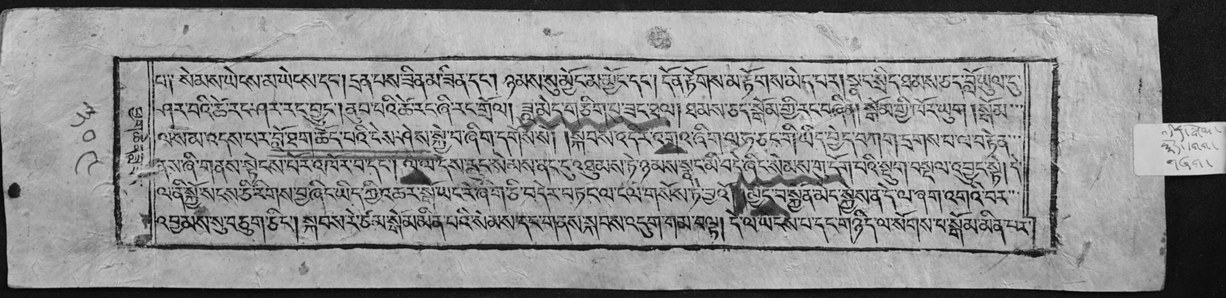
Read as textCopySearchTranslate
WHAT IT DOES
Take a photo or a scan of a Tibetan page. It finds the text on the page, then each line, and reads it into text you can copy, search and translate. The new reader finds columns and tables first, and keeps Tibetan and English apart on the same page.
HOW IT WORKS
- Photograph or scan a page: print or woodblock.
- It finds the pictures and the text, then each line.
- Each line is read into Tibetan text.
- Copy it, search it, or send it to the translator.
WHO IT OPENS FOR
A monk with a woodblock text.
A family with a grandfather's letters.
A scholar with a shelf of books.
WHERE TO FIND IT
Terma Foundry, moving to the Tibetan Library
Open
A new reader, which finds columns and tables first, is opening soon.